
Smart Home Technology After Downsizing: Safer, Easier Living in a Smaller Home

Andrew Holenchuk
Victoria Property Group · eXp Realty
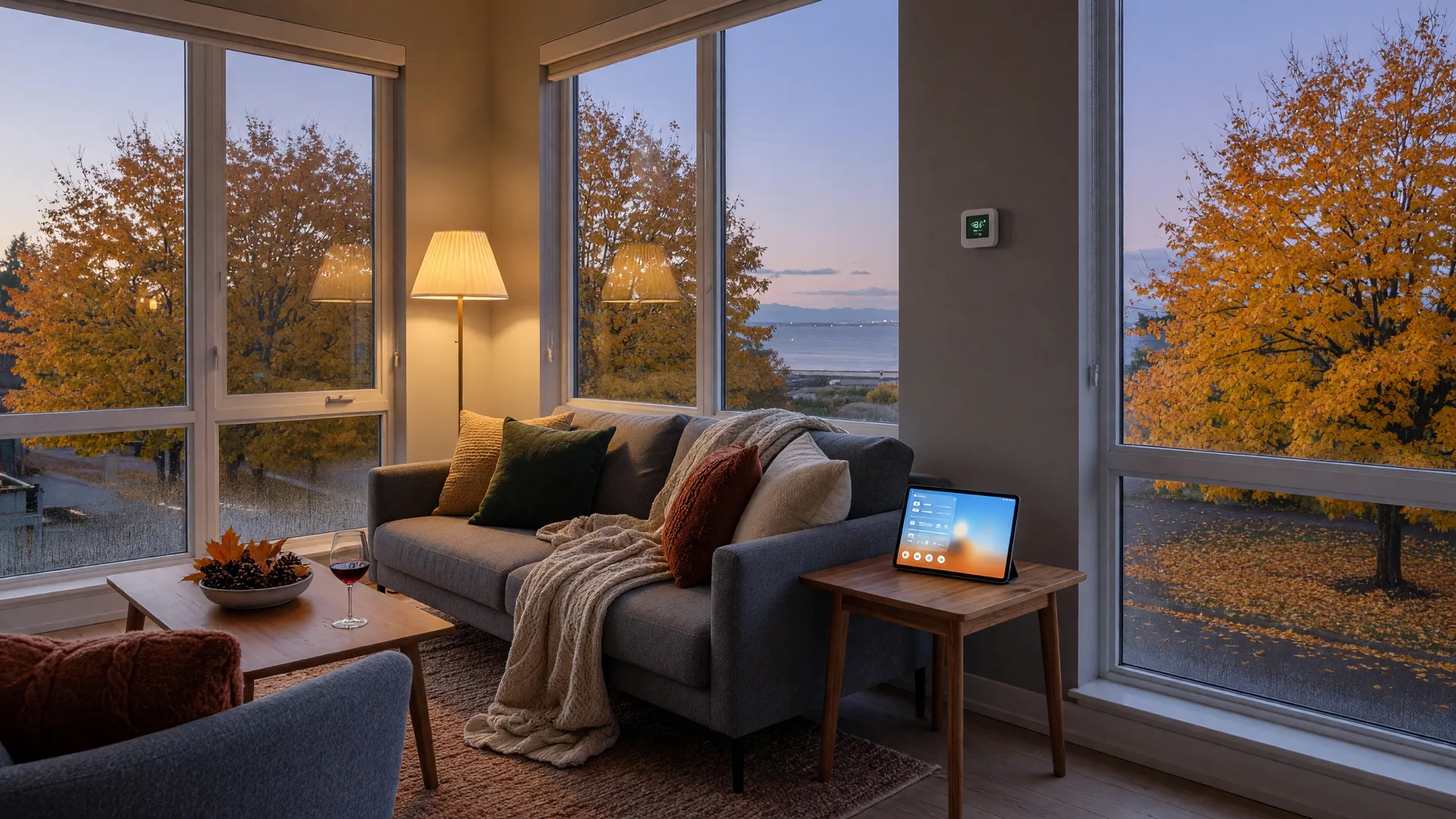
Moving from a family house to a smaller home is also a chance to simplify, and for many new condominium owners in Greater Victoria, a little smart technology makes the change feel not like a sacrifice but like an upgrade. A smaller space is easier to light, monitor, and automate, which is exactly why video doorbells, smart locks, water leak sensors, and medical alert systems have become such a common part of the downsizing conversation.
This guide takes a practical look at the technology worth considering after downsizing, what it costs, what needs a monthly subscription, and what to skip. It is written for homeowners who may not think of themselves as "tech people," because the best approach is almost always to start small and add what actually helps.
Why a smaller home rewards a bit of smart tech
A detached house is a collection of rooms, floors, doors, and systems spread out over a lot of square footage. A condo or townhome concentrates those things into a much smaller area, which makes automation both cheaper and more effective. One motion light can cover a hallway. One leak sensor can watch the bathroom and the laundry nook. One doorbell camera can see everyone who approaches the single entrance.
There is also an emotional benefit that is easy to underestimate. For a senior living alone, or for adult children who live in another city, simple connected devices provide reassurance: the front door is locked, the doorbell camera showed who came to the door, the unit is warm but not overheated. That peace of mind is often the real product, and it applies whether you are 62 or 88.
Start with safety: lighting, leaks, and the front door
If you only adopt a few devices, the highest-value choices are the ones that prevent the three classic problems: falls in the dark, water damage, and unwanted visitors.
- Motion-sensor lighting. Smart bulbs and plug-in night lights that turn on automatically make the midnight trip from bedroom to bathroom genuinely safer. A motion-sensor night light or smart bulb typically costs roughly $25 to $75, and basic models need no subscription.
- Water leak detectors. Small sensors under sinks, near the toilet, and beside the laundry connections send an alert to your phone the moment moisture appears. The most common Wi-Fi sensors sell for roughly $25 to $80, and many need no monthly fee. Stacking your washer, a dishwasher, and a water heater into one unit means a leak in a condo is more damaging and easier to catch early, which makes these sensors unusually good value.
- A video doorbell. Battery models install in minutes with no wiring, show you who is at the door from your phone, and double as a deterrent. Typical prices range from about $100 for entry-level battery models to around $350 for wired mid-range units. Basic live view and alerts usually work without a plan; cloud recording of past events often needs a small subscription of around $5 per month.
- A smart lock. Walk-up units that unlock with a code, a phone, or a physical key eliminate one of the classic senior frustrations: the hunt for keys. They also let you give a code to a caregiver, family member, or repair person without copying keys. Expect to pay roughly $250 to $550 for a well-regarded smart deadbolt, and no monthly fee for the basic functions.
None of these require professional installation in most homes, and each can be set up in well under an hour by a willing user or a helpful family member.
Comfort and savings: the smart thermostat
A smart thermostat learns your schedule and adjusts the temperature when you are out or asleep, and in a south-facing Victoria condo it can noticeably trim heating and cooling bills. Good models typically run between about $180 and $330, install yourself if your wiring is compatible, and need no subscription.
Two practical notes. First, before you buy, check whether your utility offers a rebate on smart thermostats; energy-efficiency programs in BC have supported them from time to time, and the saving can be meaningful. Second, if you are buying a condo or townhome, ask whether the unit already has one; an increasing number of newer buildings in Langford, Sidney, and Victoria proper come with programmable or smart thermostats installed.
Independent living: medical alerts, voice assistants, and reminders
For the years ahead, the most valuable technology is the kind that keeps a person safe and connected when no one else is home.
- Medical alert systems. Wearable or home-based systems connect you to a monitoring centre with the push of a button, and many modern systems include automatic fall detection. These are subscription services, typically around $30 to $50 per month plus a one-time activation or equipment fee, with automatic fall detection often an additional $15 or so per month. For a senior living alone, this is the single most reassuring purchase available.
- Voice assistants. A small smart speaker can set timers, read the news, make calls, and control lights by voice. For someone with limited dexterity or vision, voice control can be genuinely enabling rather than a novelty.
- Medication reminders. Alerts on a phone or speaker, or one of the automated pill dispensers designed for home use, help prevent the missed-dose and double-dose mistakes that become more common with age.
- Remote check-ins for family. In-home cameras or basic activity sensors can reassure adult children who live in another city, when everyone has agreed on the arrangement and on what is recorded.
What needs a subscription, and what doesn't
The single most common cause of "smart home regret" is buying a device without realizing it needs a monthly plan for the features you actually wanted. A quick summary:
- No monthly fee: smart locks, smart thermostats, smart bulbs and motion lighting, and Wi-Fi leak sensors all work fully without subscriptions.
- Optional fee for extras: video doorbells give basic live view and notifications free, with cloud video history behind a small subscription.
- Always a fee: monitored medical alerts and fall detection are services, so they carry ongoing monthly costs. There is no such thing as a free 24/7 monitoring service.
Read the fine print before buying, and if a plan matters to you, factor the monthly cost into the decision rather than discovering it later.
Privacy and security: the part people skip
Every connected device is a small computer in your home, and it deserves the same basic care as the laptop you bank on.
- Use strong, unique passwords for your Wi-Fi network and each device account, and enable two-factor authentication where offered.
- Set up a separate guest network for smart devices if your router supports it, so a compromised gadget cannot reach your main devices.
- Keep devices updated. Automatic updates close the security gaps that older gadgets leave open.
- Be very wary of tech-support calls and pop-ups. Scammers pose as Microsoft, Apple, or internet providers and offer to "fix" problems for a fee. Real companies do not call you unprompted, and we have a fuller guide to real estate and home scams in Greater Victoria that explains how these schemes work.
None of this is complicated, but it matters more in a home where a fall or a locked-out emergency could turn into a bigger problem.
Where to get help in Greater Victoria
You do not need to figure any of this out alone. If a family member or neighbour cannot help with setup, Greater Victoria has real, local options, including at least one service built specifically for older adults:
- Seniors Tech Support Victoria offers in-home help for older adults setting up devices, accounts, and smart home gear.
- Gizmos Computers on Bay Street is a long-standing local shop for purchase advice, setup, and troubleshooting.
- Local computer stores, seniors' centres, and libraries across Victoria, Saanich, Langford, and Sidney regularly run device-help sessions, often at no charge.
A helpful pattern: buy the device from a local shop where you can ask questions in person, then book a setup visit if you need one. That combination removes most of the friction that stops people from benefiting from the technology they already own.
Choosing a tech-friendly home when you buy
If you are still house hunting, a few questions can save you trouble later:
- Is the doorbell wired or battery? A wired doorbell makes any video doorbell upgrade simpler.
- How is the intercom and entry handled? Many newer Victoria and Westshore buildings have video intercoms that connect to your phone, which is a genuine plus for independence.
- Is the thermostat wired for a smart model? Ask whether it is compatible or whether the building restricts changes.
- What common-area cameras and security does the building have? Well-run buildings with secure entries reduce the need for individual security gadgets.
- What is the elevator and move-in situation? A reliable elevator matters more than any gadget when mobility changes, and our guide on strata bylaws to check before buying a condo covers the questions to ask about common property.
Start small, and let it grow
The most successful smart home setups I see from downsizing clients follow the same pattern: they begin with one or two devices that solve a felt problem, live with them for a few weeks, and add from there. A motion night light and a leak sensor are an easy first step. A video doorbell and a medical alert come when the need becomes clear. Trying to wire up ten devices on move-in weekend is how people end up with a drawer of unused gadgets.
A smaller home was always supposed to make life simpler. Used thoughtfully, a little technology makes it safer, warmer, and easier too, and that is the whole point of the exercise.
Frequently asked questions
How much does it cost to set up a smart home after downsizing?
It can be as little as a few hundred dollars for a sensible starter set: a motion light, a couple of leak sensors, and a battery video doorbell. A fuller setup with a smart lock, a smart thermostat, and a medical alert adds more, with most individual devices ranging from about $25 to $550 depending on the category and brand. There is no need to spend on everything at once.
Which smart devices work without a monthly fee?
Smart locks, smart thermostats, smart bulbs and motion lighting, and Wi-Fi water leak sensors all work with no subscription. Battery video doorbells give basic live view and alerts free, with cloud video history behind a small plan. Monitored medical alert systems and fall detection always carry monthly fees because they connect you to a live monitoring service.
Are smart home devices safe for seniors to use?
Yes, and many are designed with seniors in mind: motion lights for safe night trips, voice assistants for hands-free calls and timers, and medical alerts for emergencies. The important habits are a strong Wi-Fi password, unique passwords on accounts, automatic updates, and healthy skepticism about unsolicited tech-support calls. Setup help is available locally if you want a hand getting started.
Do I need an internet connection for smart devices to work?
Most connected devices need Wi-Fi for full features, including alerts and remote control. Some basics, like smart bulbs, can still work through local switches without internet, but you lose the phone alerts and automation. A reliable internet connection is effectively part of the setup, and many Victoria seniors find a simple home internet plan with a strong router is well worth it.
Can strata buildings restrict smart home devices?
Strata rules focus on common property, so devices inside your unit are generally your choice. Things that touch common property, like entry systems or anything that modifies the exterior, may need permission. Check your building's bylaws before installing anything that changes wiring or common areas, and ask about the building's entry system when choosing a unit.
Where can I get help setting up devices in Victoria?
Local options include Seniors Tech Support Victoria, which specializes in helping older adults with devices and accounts, and long-standing local shops like Gizmos Computers. Seniors' centres and libraries across the region also host free device-help sessions. If you have family nearby, a weekend visit is often all the help a starter setup needs.
Moving to a smaller home and wondering what you need in it?
From the practical to the personal, I help Greater Victoria homeowners plan the homes they are moving into, not just the one they are leaving. Whether you need a hand thinking through buildings, layouts, or the transition itself, I'd be glad to help. Helping people confidently navigate one of life's biggest housing transitions is what I do every day.
Let's Talk About Andrew Holenchuk
Andrew is Team Leader of Victoria Property Group at eXp Realty and has been helping people buy and sell homes throughout Greater Victoria since 2006. Together with his team, they have facilitated more than $1 billion in real estate sales while helping families navigate downsizing, estate transitions, and housing moves. This article is general information only and not a substitute for professional financial, legal, or real estate advice for your specific situation.